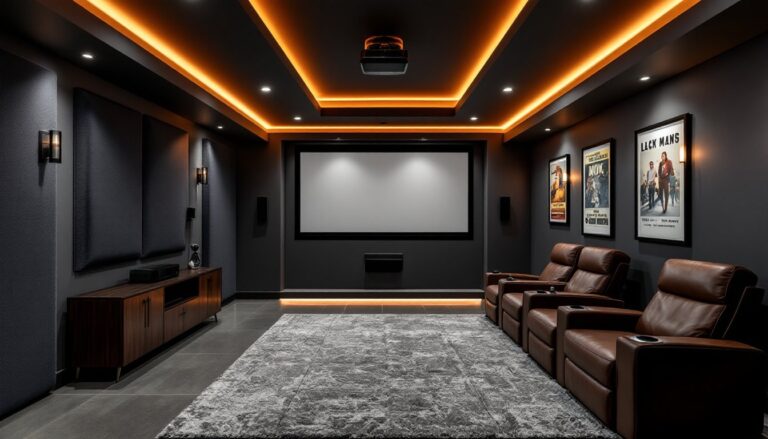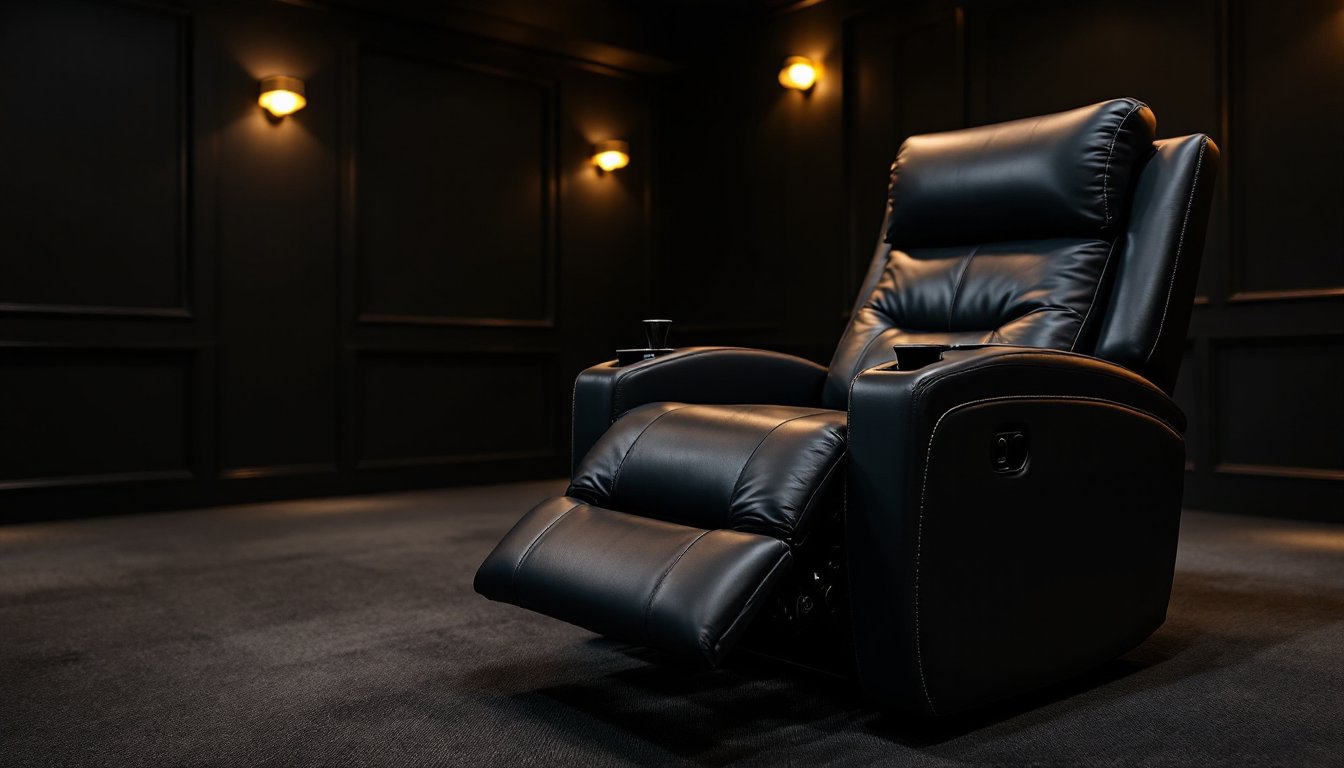
Setting up a dedicated home theater means making decisions that balance comfort, function, and space. While multi-seat configurations get a lot of attention, a single recliner often delivers better value and flexibility, especially for smaller rooms or mixed-use spaces. A well-chosen theater recliner transforms movie nights, gaming sessions, and binge-watching marathons into genuinely comfortable experiences. This guide walks through the practical considerations for selecting a single recliner that fits the room, the viewer, and the budget without sacrificing features that matter.
Table of Contents
ToggleKey Takeaways
- A home theater single recliner provides superior flexibility and cost savings compared to sectionals, making it ideal for smaller rooms and multi-purpose spaces without sacrificing premium features like power recline or lumbar support.
- Manual recliners are maintenance-free and lighter, while power recliners offer finer positioning control and independent backrest/footrest adjustment—wall-hugger designs are essential for tight spaces requiring minimal clearance.
- Top-grain leather ($800–$2,000+) is the gold standard for durability and easy cleaning, though high-quality microfiber and performance fabrics rated 30,000+ double rubs provide stain resistance and work well with darker colors to hide wear.
- Proper sizing and placement prevent discomfort: seat width should match viewer size, depth should allow 2–3 inches knee clearance, and viewing distance depends on screen size (multiply diagonal by 1.5–2.5 for 1080p displays).
- Built-in features like USB charging ports, adjustable lumbar support, cup holders, and articulating headrests significantly enhance extended viewing comfort, while integrated speakers suit solo viewing but rarely match dedicated surround systems.
- Measure fully extended footprint (typically 65–70 inches for standard models), account for wall clearance and carpet pile height, and consider furniture coasters for hard floors since theater recliners can weigh 120–180 lbs.
Why a Single Recliner Is the Smart Choice for Your Home Theater
Single recliners offer advantages that sectionals and loveseat configurations can’t match. They’re easier to position for optimal viewing angles, simpler to move during room reconfigurations, and allow for individual customization without committing an entire seating row to one style or feature set.
For rooms that double as offices, guest spaces, or multi-purpose media areas, a single recliner maintains flexibility. Unlike built-in theater seating, a standalone chair can shift to accommodate equipment changes, screen upgrades, or even furniture rotation. It’s also the most budget-friendly way to secure premium features, power recline, lumbar support, integrated speakers, without the multiplied cost of outfitting multiple seats.
Another often-overlooked benefit: maintenance and repair. When upholstery wears or a mechanism fails, replacing or repairing one chair is far simpler and cheaper than dealing with a sectional where every seat is interconnected. Singles also suit households where viewing habits differ, one person gets the theater chair, others use a couch or bean bags as needed.
Key Features to Look for in a Home Theater Recliner
Not every recliner suits extended viewing sessions. Theater-specific models prioritize ergonomics, range of motion, and low-profile designs that don’t block sightlines. Focusing on a few core features separates functional seating from genuine home theater furniture designed for long-term comfort.
Reclining Mechanisms and Positioning Options
Manual vs. power recline is the first decision. Manual mechanisms use a lever or push-back motion, they’re reliable, maintenance-free, and often lighter. Power recliners operate via electric motors controlled by buttons or remotes. They offer finer positioning adjustments, including independent control of backrest and footrest angles, but require access to an outlet and add weight (typically 20–30 lbs more than manual equivalents).
Look for wall-hugger (zero-clearance) designs if space is tight. Standard recliners need 6–10 inches of clearance behind the backrest to fully extend. Wall-huggers slide the seat forward as they recline, requiring as little as 3–4 inches from the wall. This feature is critical in smaller rooms where every foot counts.
Multi-position recline beats basic two-position models. Theater viewing isn’t one-size-fits-all, a position that works for a 90-minute movie may not suit a four-hour gaming session. Infinite-position or three-position mechanisms let users dial in comfort for different activities. Some high-end models include lay-flat or zero-gravity positions that distribute weight evenly across the body, reducing pressure points during extended use.
Material and Upholstery Considerations
Top-grain leather remains the gold standard for theater seating, it’s durable, easy to clean (critical for snack and drink spills), and breathes better than synthetic alternatives. Expect to pay $800–$2,000+ for genuine leather recliners depending on frame quality and features. Full-grain leather offers superior longevity but comes at a premium.
Bonded leather and faux leather (polyurethane) cost less, typically $400–$900, but degrade faster. Bonded leather, which contains only 10–20% real leather mixed with polyurethane, tends to peel within 3–5 years. High-quality faux leather holds up better and suits households with pets or kids where durability under abuse matters more than prestige.
Microfiber and performance fabrics (like those used in modern upholstery design) provide a middle ground. They resist staining, wick moisture, and often feel softer than leather. Look for fabrics rated at 30,000+ double rubs (Wyzenbeek test) for theater use, anything less won’t hold up to regular friction from getting in and out of the seat.
Avoid light colors in theater environments. Even with the best intentions, popcorn butter, soda, and hand oils accumulate. Darker tones, charcoal, espresso, navy, hide minor stains and reduce visible wear over time.
How to Choose the Right Size and Placement
Proper sizing and placement prevent neck strain, screen glare, and sightline issues that turn a great chair into an uncomfortable one. Start by measuring the room and the viewer, not just the chair.
Seat width typically ranges from 22 to 28 inches. Wider seats (26–28 inches) suit larger frames and allow room to shift positions without feeling pinched. Narrower models work for petite viewers or tighter spaces, but anyone over 6 feet tall or 200 lbs should test a wider seat before buying.
Seat depth (front of seat to backrest) should allow the viewer to sit with their back fully against the backrest while keeping 2–3 inches of clearance behind the knees when feet rest flat on the floor. Too shallow, and thighs won’t be supported: too deep, and lower back support suffers. Most theater recliners measure 20–23 inches deep.
Viewing distance from screen to seat depends on screen size and resolution. For a 1080p display, multiply diagonal screen size by 1.5 to 2.5 to get ideal viewing distance in feet (e.g., a 65-inch screen suggests 8–14 feet). 4K and higher resolutions allow closer seating, multiply by 1.0 to 1.5. Position the recliner so the viewer’s eyes align with the center third of the screen when reclined, not upright. Most people watch reclined, not bolt-upright.
Floor space requirements: Measure the fully extended footprint. A typical 40-inch-wide recliner needs 65–70 inches of floor space when fully reclined (seat to footrest tip). Add the wall clearance noted earlier. For rooms under 120 square feet, consider a compact or wall-hugger model to preserve walkways and avoid a cramped feel.
If placing the chair on carpet, check that pile height doesn’t interfere with reclining mechanisms. Deep shag or high-pile carpets can obstruct footrests on some models. On hard floors, consider furniture coasters or pads to prevent scratching and make repositioning easier, theater recliners with power mechanisms can weigh 120–180 lbs.
Enhancing Comfort with Built-In Features and Accessories
Beyond core reclining function, several features elevate a theater chair from comfortable to indispensable. Prioritize based on how the space gets used and what gaps exist in the current setup.
Cup holders and storage should be standard, not premium add-ons. Look for models with removable or dishwasher-safe cup holder inserts, soda residue and crumbs are inevitable. Storage consoles (often integrated into armrests) provide space for remotes, phone chargers, and small snacks without cluttering side tables.
USB charging ports and power outlets built into armrests or consoles eliminate the need for extension cords snaking across the room. This is especially useful for wireless headphones, tablets, and smartphones that die mid-movie. Verify the charging output, at least 2.1 amps per USB port for decent charging speed.
Lumbar support and headrests: Adjustable lumbar support (either manual knobs or power adjustments) prevents lower back fatigue during extended sessions. Articulating headrests let viewers fine-tune neck support, which matters more than most buyers realize. A fixed headrest that’s too high or too low turns a three-hour movie into a neck-ache marathon.
Heating and massage functions sound gimmicky but prove useful for cold basements or sore muscles after long workdays. Heat typically operates via low-voltage warming pads in the lumbar area. Massage usually offers 3–5 intensity levels and multiple zone options (lumbar, thigh, full-back). These features add $150–$400 to the price but can replace separate heating pads or massage cushions.
Integrated speakers and subwoofers: Some high-end recliners include built-in audio (usually Bluetooth-connected or wired to the home theater receiver). Sound quality rarely matches a dedicated surround system, but for solo viewing or gaming, integrated speakers deliver immersive bass and positional audio without disturbing others in the house. Expect to pay $1,200+ for models with worthwhile audio, cheaper implementations sound tinny and aren’t worth the cost.
Tray tables and swivel bases: Removable tray tables attached to armrests suit viewers who eat full meals during movies. Swivel bases (allowing 90–360-degree rotation) make entering and exiting easier in tight room layouts and let the chair serve double-duty for conversation areas. Both features add bulk and cost but solve specific layout and use-case problems.
When evaluating accessories, consider the room’s aesthetic. Some theater recliners lean heavily into utilitarian design, which suits dedicated basement theaters but clashes with refined interior design schemes. If the chair lives in a multi-purpose living space, prioritize clean lines and neutral upholstery that won’t dominate the room’s visual flow.
Conclusion
Choosing a home theater single recliner comes down to honest assessment of space, budget, and how the chair will actually get used. Prioritize core comfort and build quality over flashy features that add cost without improving the viewing experience. Measure carefully, test recline angles in person when possible, and don’t skimp on upholstery if the chair will see heavy use. A well-chosen recliner pays dividends in comfort for years.